

When you build enterprise Azure integration solutions in Microsoft Azure today, visibility is everything. But what do we really mean by “visibility”?
Most teams can trace a message through a Logic App or check a run history. But ask a business user “How many orders were processed today?” or “Which invoices failed validation this morning?”, and the answer often involves a mix of logs, Power BI queries, and a few hours of detective work.
That’s where Business Activity Monitoring (BAM) comes in – and why it’s evolving faster than ever in the cloud.
From BizTalk BAM to Azure Integration Services
If you worked with BizTalk Server, you’ll remember its BAM framework.
It let architects define business milestones and data points inside integration processes – then report on them in user-friendly dashboards.
It was powerful, but also complex. BAM was tightly coupled to BizTalk, SQL, and SSIS. It provided visibility, but it wasn’t flexible, and it didn’t extend easily to modern architectures built on Azure Functions, Logic Apps, API Management, or Data Factory.
As organizations move to Azure Integration Services (AIS), the need hasn’t gone away – it’s only grown. Business teams still need to see their transactions, validate SLAs, and understand outcomes without calling IT every time something breaks.
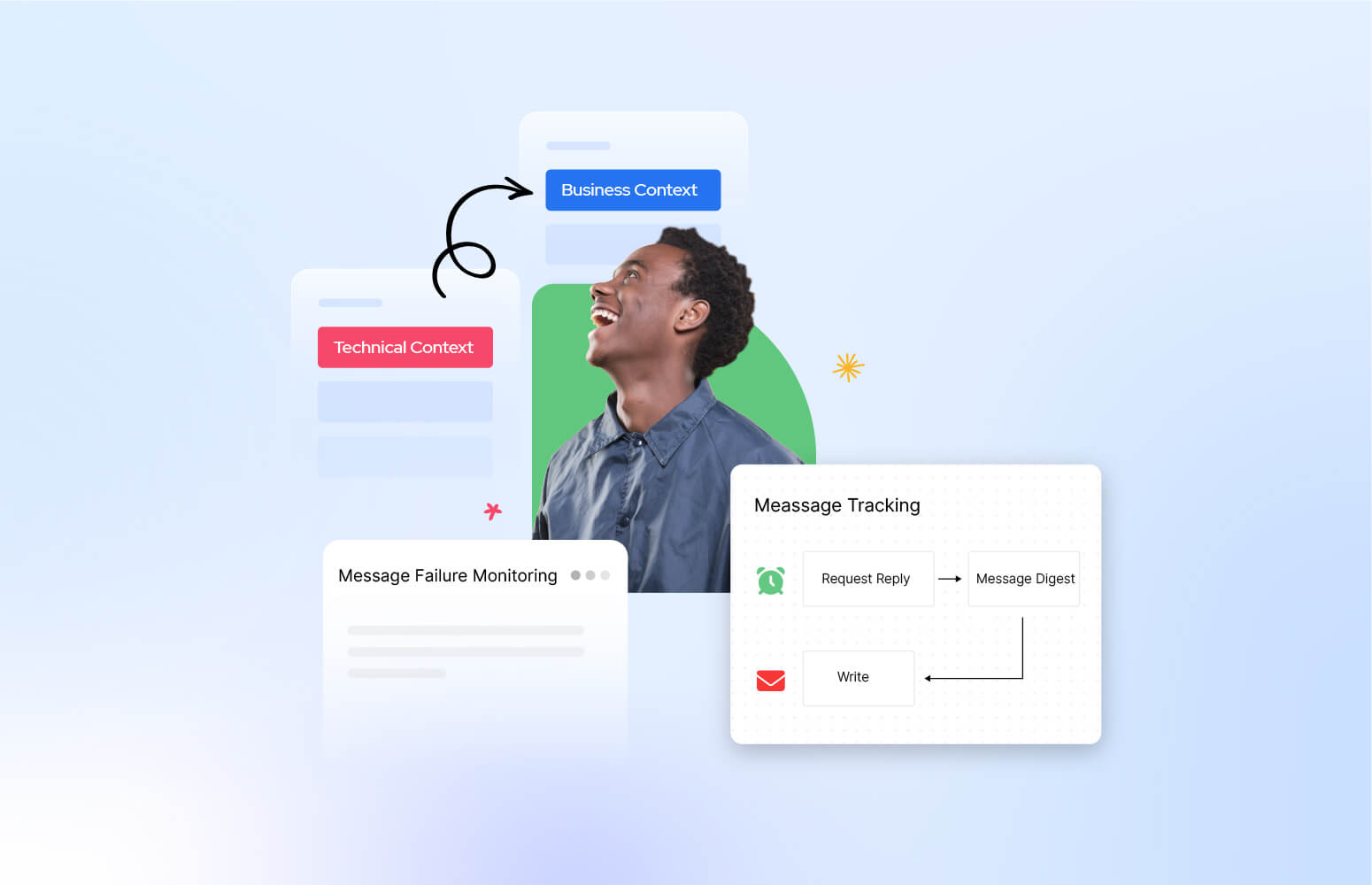
Technical Monitoring ≠ Business Monitoring
Let’s make an important distinction:
| Type | Description | Audience |
| Technical Monitoring | Tracks system-level metrics such as execution success, latency, and errors. Often visualized in App Insights or Log Analytics. | Developers, DevOps, Integration Engineers |
| Business Activity Monitoring | Tracks business-level events like “Order Accepted”, “Invoice Sent”, or “Shipment Failed”. Gives context and traceability from a business perspective. | Business Users, Operations, Support Teams |
In most Azure projects, technical telemetry is implemented early – but business telemetry is forgotten. Developers monitor APIs and workflows, but business operations teams remain blind to what’s actually happening across processes.
This is the gap Turbo360 was built to close.
The Next Generation of BAM: Turbo360
Turbo360 Business Activity Monitoring extends Azure’s native telemetry to provide end-to-end visibility at the business level.
Instead of focusing only on pipeline runs, it helps you track real business transactions as they flow across your hybrid integration landscape.
Here’s what that means in practice:
| Challenge | Without BAM | With Turbo360 BAM |
| End-to-End Visibility | Data scattered across Logic Apps, Functions, and Data Factory logs. | Unified business transaction view spanning multiple Azure services. |
| Business Context | Only technical identifiers (run IDs, correlation IDs). | Rich business metadata (order IDs, invoice numbers, customer names). |
| User Access | Developers rely on Azure Portal or KQL queries. | Business users access intuitive dashboards and drill-downs. |
| Root Cause Analysis | Manual correlation between system logs. | Visual tracking of failed business processes with context. |
| Self-Service Support | Every query becomes a support ticket. | Operators and analysts can investigate directly in Turbo360. |
Turbo360 acts as the bridge between IT and business, turning raw telemetry into actionable business insight.
Why This Matters for System Integrators and Azure Partners
For System Integrator (SI) and Managed Service Provider (MSP) partners, BAM is no longer a “nice to have” – it’s a competitive differentiator.
By implementing Turbo360 BAM:
- You deliver transparency your customers can see.
- You reduce support overhead by empowering business teams.
- You build trust by demonstrating control over complex integration landscapes.
- You can offer BAM as a Service, embedding visibility into every integration project.
It’s not just about finding errors faster – it’s about giving customers confidence that their business processes are running smoothly.
Where to Go Next
In upcoming posts, we’ll dive deeper into how Turbo360 BAM integrates with:
- Logic Apps for end-to-end order-to-cash scenarios
- API Management and Functions for microservice-based workflows
- Power Automate for business-friendly automation
- Data Factory for data-driven pipelines and reporting
Each scenario will show how you can move from technical logs to business insight, empowering every stakeholder – from developer to operations to the end customer.
Final Thought
The integration landscape has changed – but the business need for clarity, traceability, and control hasn’t. Turbo360’s Business Activity Monitoring brings those capabilities into the cloud era, enabling you to deliver solutions that are observable, reliable, and transparent from both a technical and business perspective.


