

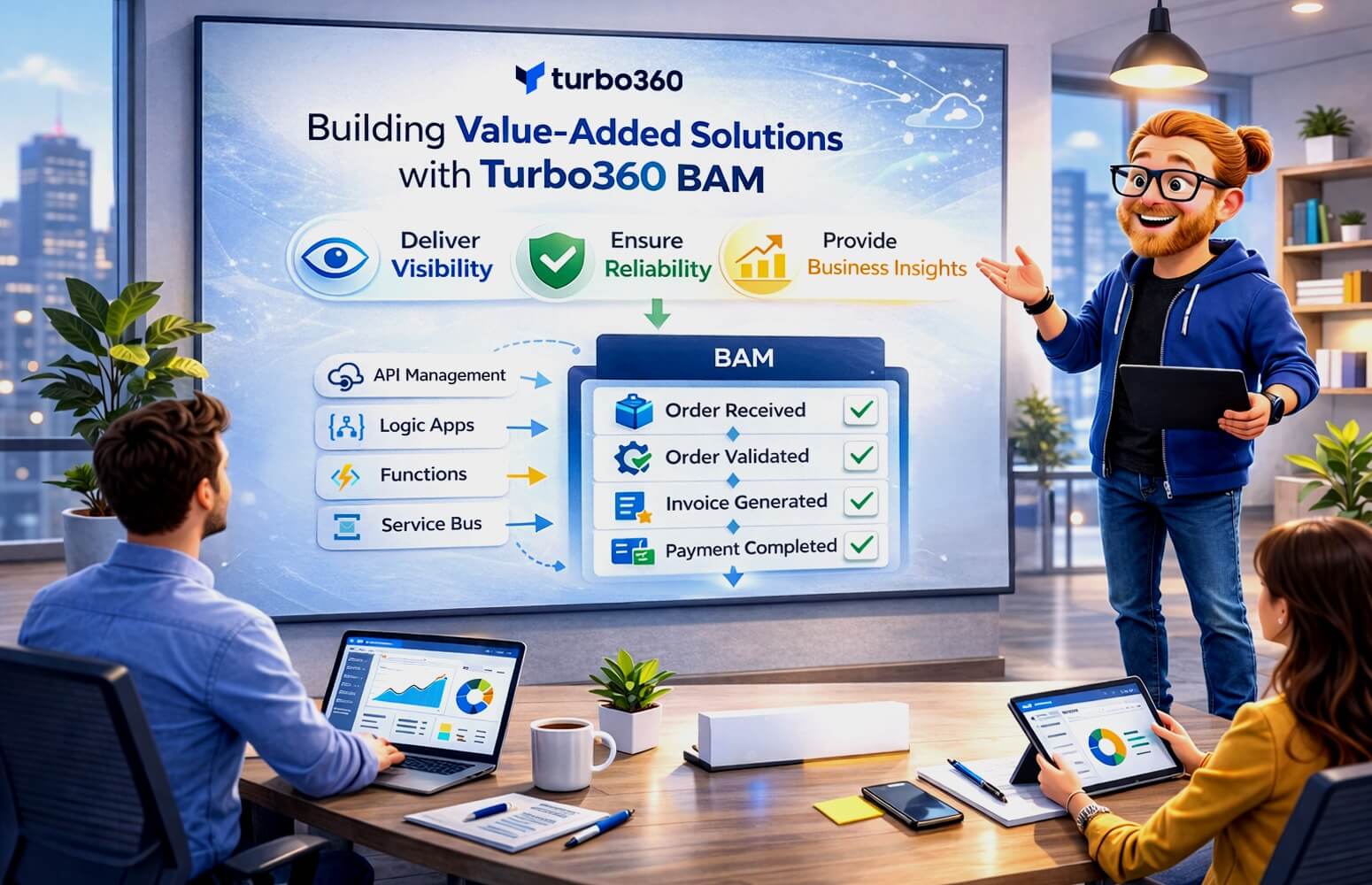
System Integrators (SIs) who deliver Microsoft-based integration solutions are under growing pressure to do more than just connect systems. They’re expected to deliver visibility, reliability, and business confidence. Customers no longer just ask “is my API running?” instead they ask:
- How many orders flowed through the system today?
- Which invoices failed validation?
- Can our business team see what’s happening in real-time?
Answering those questions consistently is what sets great integrators apart from the rest.
That’s where Turbo360 Business Activity Monitoring (BAM) helps System Integrators create value-added solutions that combine technical excellence with business transparency.
From integration delivery to business empowerment
Many SIs focus their efforts on building robust, scalable Azure Integration platforms using Logic Apps, API Management, Functions, and Service Bus.
These architectures deliver powerful automation, but they often stop short of the final step: making the business process visible to the people who depend on it.
Without that visibility, every project risks the same issue, business users still rely on IT to understand what’s happening.
Turbo360 BAM allows SIs to bridge that gap by embedding business observability into the solutions they deliver, enabling customers to manage integrations as business services, not just as technical systems.
Adding BAM as a value-add layer in Your projects
Turbo360 BAM fits naturally into an SI’s delivery methodology, whether you’re building a greenfield Azure Integration environment or migrating from BizTalk Server. Here’s how SIs can use it to elevate their offerings:
| SI Offering | How Turbo360 BAM Adds Value | Outcome |
| Integration Platform Delivery | Include BAM configuration alongside Logic Apps and APIs to provide visibility from day one. | Customers gain business-level observability immediately post-go-live. |
| BizTalk to Azure Migration | Replace legacy BAM definitions with Turbo360’s modern, low-code business tracking. | Customers retain the visibility they had in BizTalk, but with a cloud-native experience. |
| Support Transition Projects | Provide self-service dashboards for business users and operations teams. | Reduces post-project support dependency on the SI. |
| Process Optimization Engagements | Use BAM analytics to identify bottlenecks or failed transactions. | Strengthens SI’s position as a continuous improvement partner. |
By embedding BAM into delivery, SIs demonstrate that their solutions don’t just work – they deliver business insight.
Changing the conversation with customers
When customers can see their own business transactions in real-time, the relationship with the SI changes completely.
Instead of asking: “Can you check if the process worked?”
They start saying: “We can see where the issue occurred – can you help us optimize it?”
That shift moves the SI from a support provider to a trusted advisor. Turbo360 BAM gives your customers confidence, and it gives your consultancy the credibility to talk about operational maturity and process performance, not just system uptime.
Example: Order-to-cash process implementation
Let’s take a common SI project – implementing an order-to-cash process using Azure Integration Services:
- API Management exposes the order intake API
- Logic Apps orchestrate validation, enrichment, and invoicing
- Functions perform business calculations
- Data Factory loads data into the reporting system
With Turbo360 BAM, you can define milestones such as:
- Order Received
- Order Validated
- Invoice Generated
- Payment Completed
After go-live, the customer’s business team can search for an Order ID in Turbo360 and instantly see which stage it’s in, there is no developer intervention required.
That’s a tangible, value-added outcome your project can deliver on day one.
How Turbo360 BAM fits in the SI delivery lifecycle
| Project Stage | How BAM Helps |
| Discovery & Design | Identify critical business milestones and define what success looks like. |
| Implementation | Add lightweight BAM tracking to Logic Apps, Functions, and APIs. |
| Testing & UAT | Validate end-to-end visibility and traceability before go-live. |
| Handover & Support | Deliver a ready-to-use dashboard for business and support teams. |
| Continuous Improvement | Use BAM analytics to drive performance, SLA, and efficiency discussions. |
Commercial benefits for system integrators
Including Turbo360 BAM in your projects can unlock several business advantages:
| Benefit | Description |
| Differentiation | Win more bids by offering business-level monitoring as standard. |
| Customer Retention | Customers with visibility are more confident and stay longer. |
| Upsell Potential | Offer enhanced BAM dashboards or analytics as optional service extensions. |
| Reduced Warranty Overhead | Customers resolve many operational issues themselves, lowering your post-delivery workload. |
Building the next generation of integration solutions
The most successful System Integrators aren’t just building APIs and workflows instead they’re building trust. Turbo360 BAM enables that trust by giving customers:
- End-to-end visibility
- Self-service insights
- Faster issue resolution
- A clear view of business impact
It turns every integration project into an opportunity to deliver both technical excellence and business transparency – a combination that’s hard for competitors to match.
Final thought
In the modern integration landscape, Business Activity Monitoring isn’t a luxury – it’s a differentiator.
System Integrators who include BAM as part of their delivery framework can show customers not only that their solutions work, but that they deliver real business value.
Turbo360 BAM gives SIs the tools to make that promise helping you design, deliver, and hand over Azure Integration solutions that your customers can truly see, understand, and trust.


